
How to Build a Home Recording Studio on a Budget
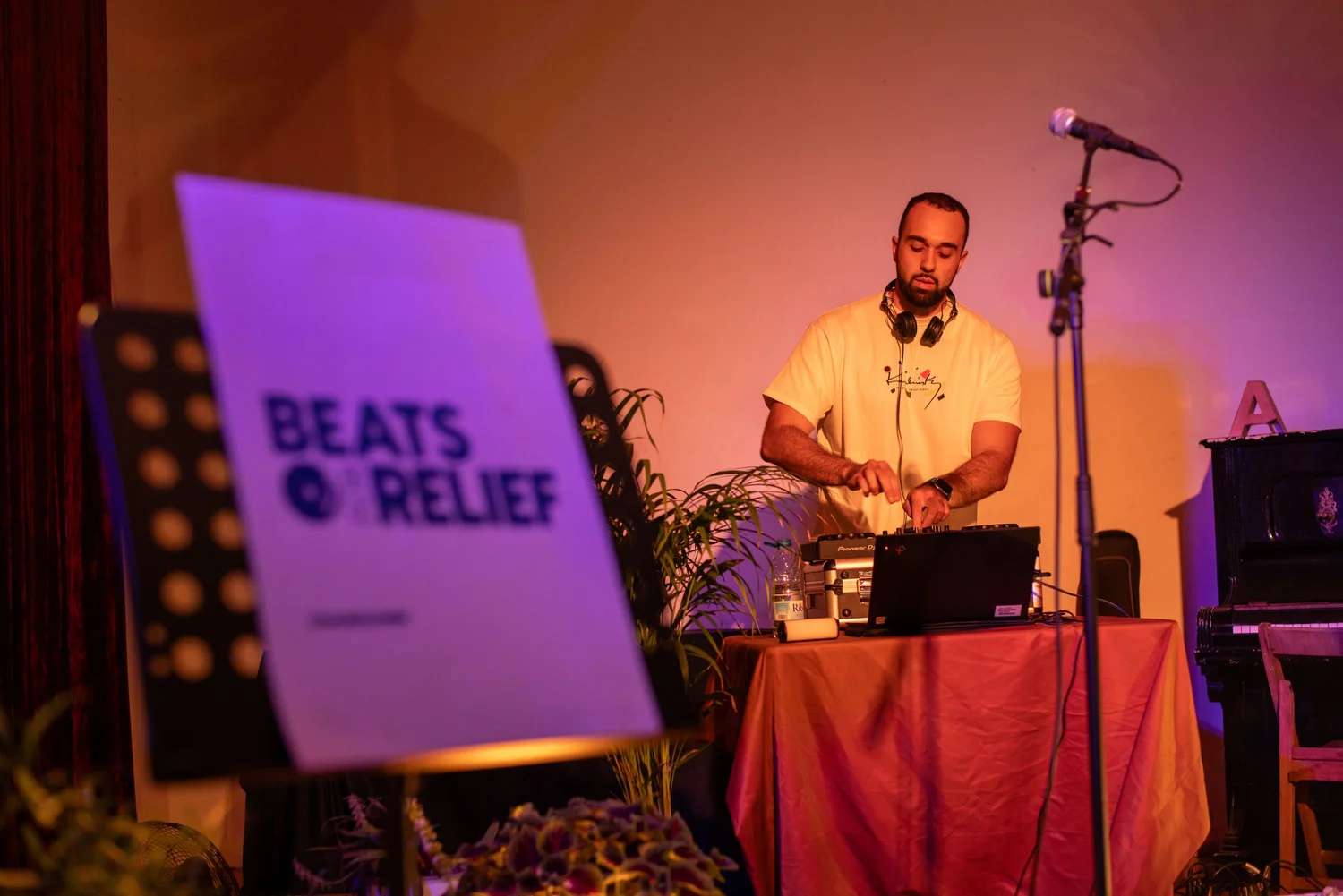
Want to record music at home without spending a fortune? You do not need a professional studio. With a few smart pieces of gear and a quiet corner, you can record vocals, guitar and keys that sound clean enough to share, pitch and release.
Quick answer: to build a home recording studio on a budget you need six things: a computer you already own, a USB condenser microphone, closed-back headphones, a mic stand, a few acoustic panels, and free recording software like GarageBand, Audacity or BandLab. Add a digital keyboard when you are ready to write and produce.
Updated November 2026
Every purchase supports Beats for Relief and our mission to support nonprofits. We earn a small commission from these links, at no extra cost to you.
Why a good home recording matters
At Beats for Relief we have booked artists for 500+ live events since 2011, across 35+ hotels and venues in 10 countries. When musicians and comedians apply to perform with us, the first thing we listen to is a recording. A clean demo made at home is often what gets an artist booked.
So this guide is the setup we recommend to the artists we work with: simple, affordable, and built to grow with you.
Step 1: Choose your room
Pick the quietest, smallest room you have, ideally with carpet, curtains, a sofa or a full bookshelf. Soft surfaces soak up echo. Avoid empty rooms with bare walls and hard floors, and keep away from the fridge, the street side and the washing machine.
Step 2: Get the core kit
Beats for Relief · Home Studio
The core home studio kit
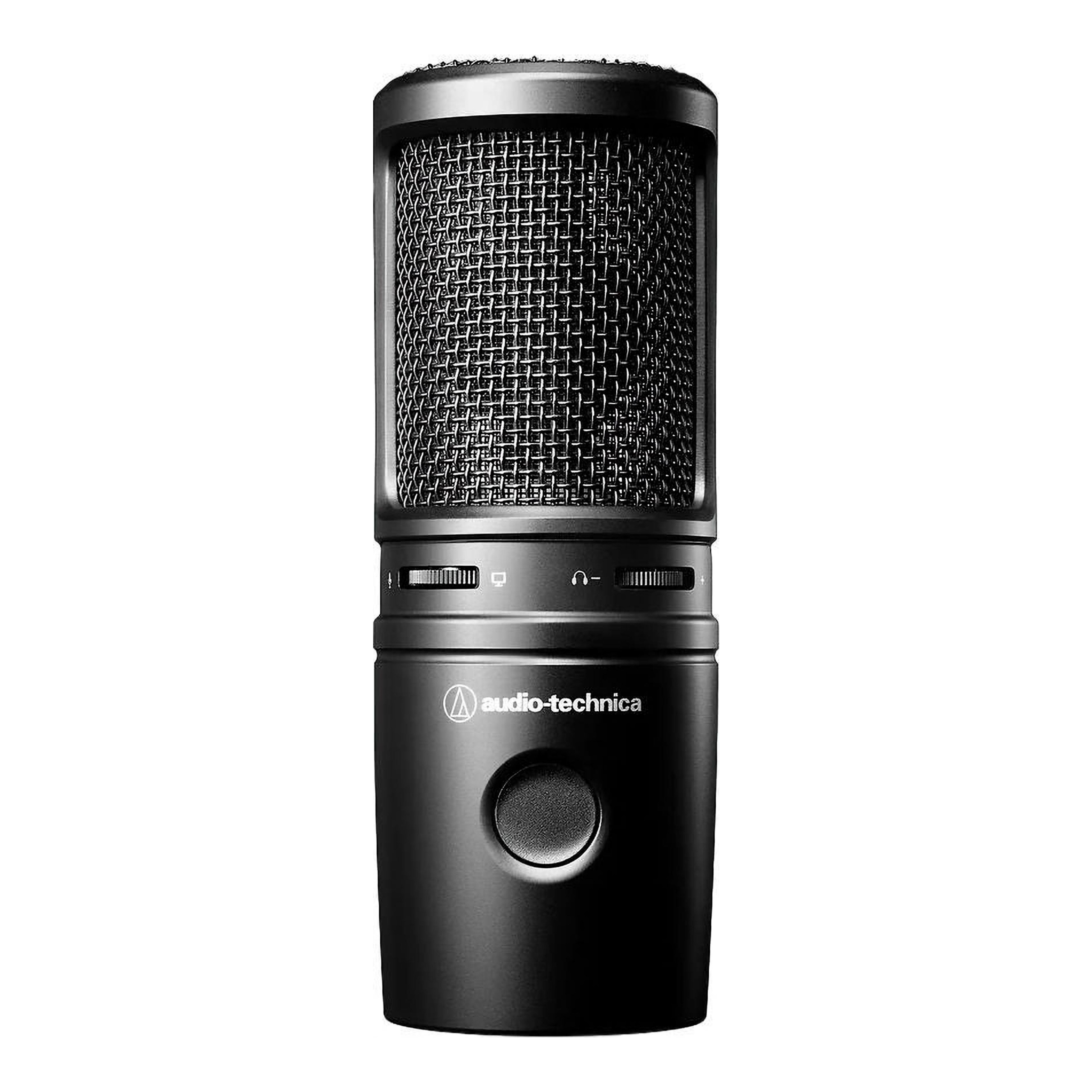
Audio-Technica AT2020USB-X Microphone: a USB condenser mic that plugs straight into your laptop, with no audio interface needed. Clear and detailed on vocals, acoustic guitar and spoken word. Shop it here
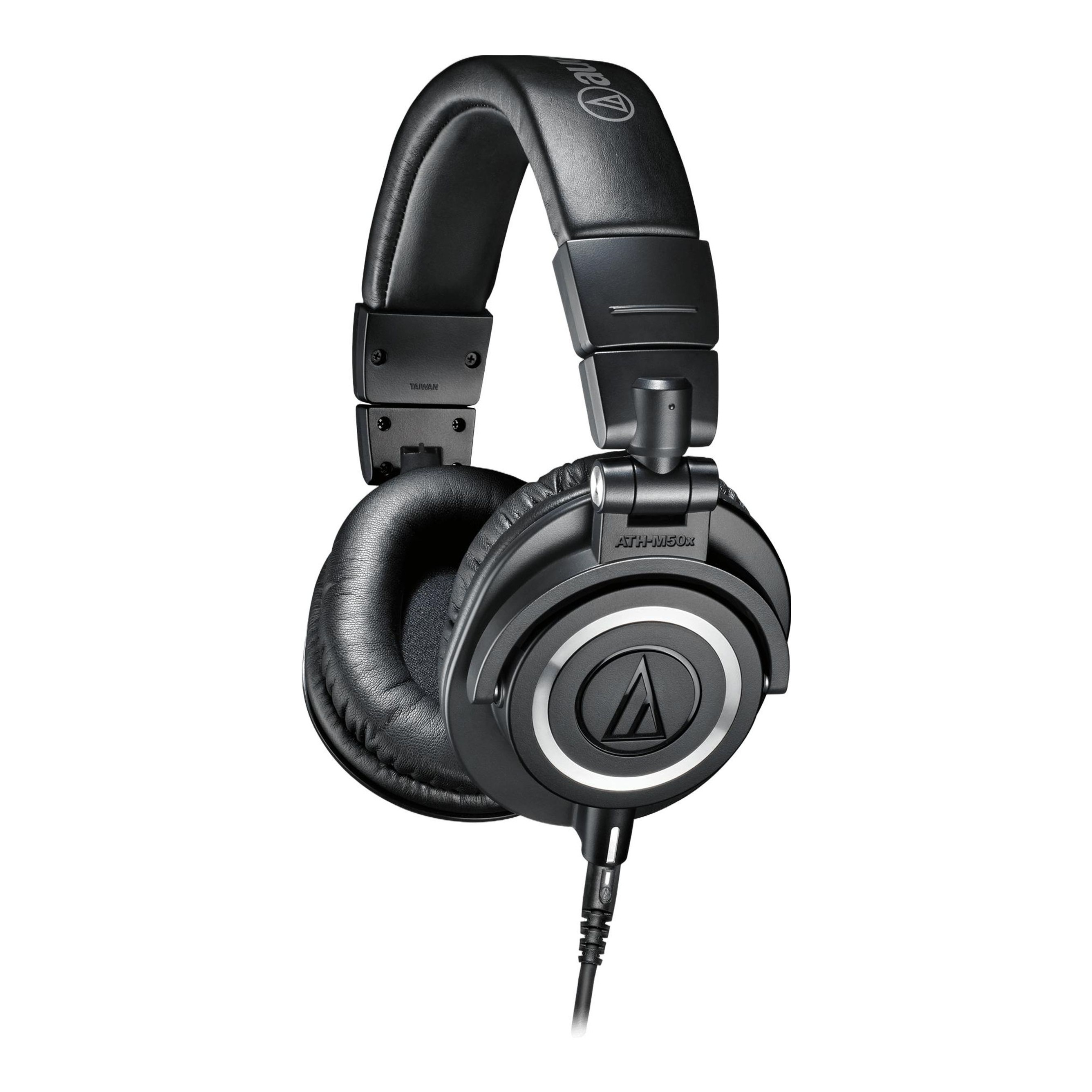
Audio-Technica ATH-M50x Headphones: closed-back headphones so the backing track does not leak into your mic. You will also use them for mixing. Shop it here
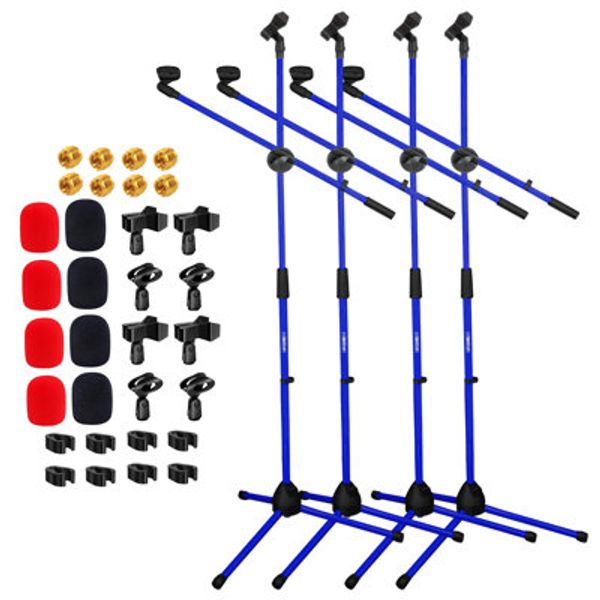
5 Core Tripod Mic Stand with Boom Arm: a tripod stand with a boom arm that puts the mic at mouth height, so you can stand and sing or angle it at a guitar. Shop it here
Step 3: Make the room sound better
Sound treatment is where a home recording starts to sound professional. Place acoustic panels on the wall behind you and at the side walls level with the mic, add a rug if you have hard floors, and use soft seating to break up reflections.
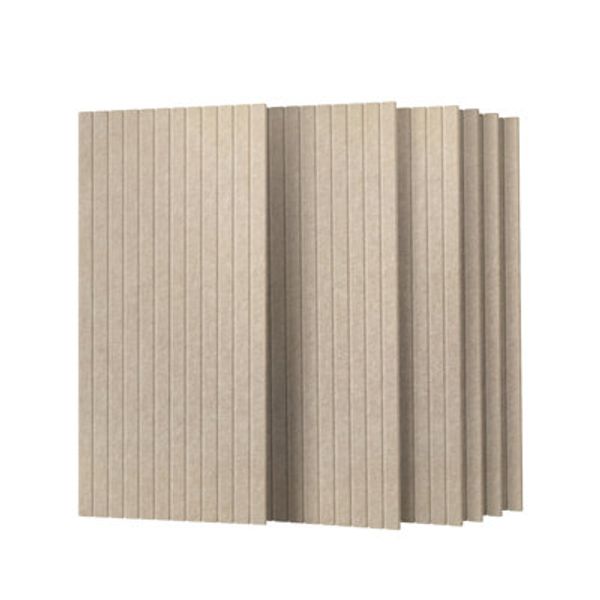

Acoustic Panels, 6-Pack: a 6-pack of felt sound panels that cut echo at the first reflection points. Easy to stick on and easy to move. Shop it here
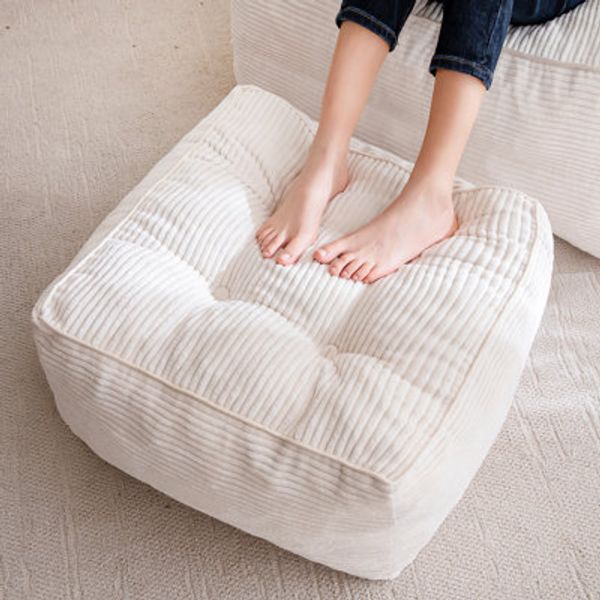
Corduroy Floor Pouf: a big soft floor cushion that absorbs sound and doubles as seating for co-writers and guests. Shop it here
Warm White String Lights: warm light makes a studio corner feel like somewhere you want to create, which matters more than you think. Shop it here
Step 4: Install free recording software
Start with GarageBand if you are on a Mac or iPhone, Audacity on any computer, or BandLab in your browser. All three are free. Record a short test, listen back on headphones, and adjust the mic distance until the voice sounds close and natural, usually about a hand's width away.
Step 5: Level up when you are ready
Beats for Relief · Home Studio
Level up your setup
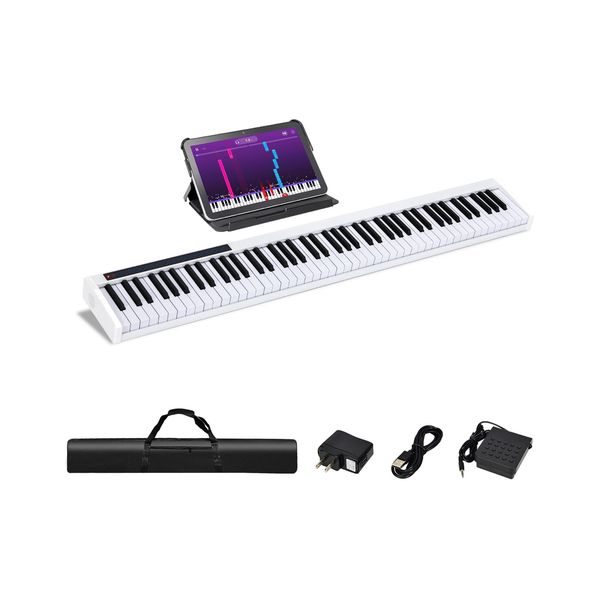
Costway 88-Key Portable Digital Piano: a full-size 88-key digital piano for writing, producing and learning, at a fraction of the cost of an acoustic piano. Shop it here
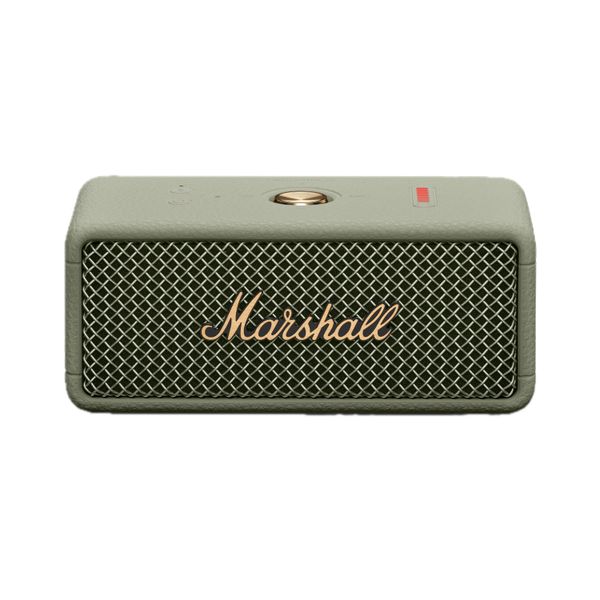
Marshall Emberton III Speaker: check your mixes on a small speaker, the way most people will hear them. Shop it here
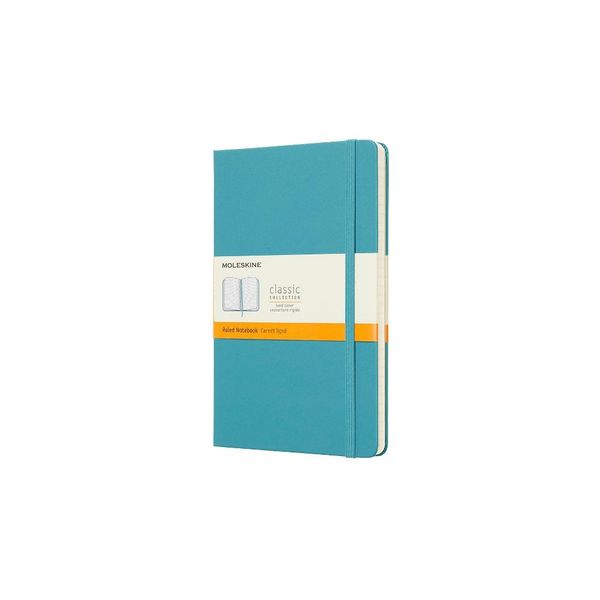
Moleskine Large Lined Notebook: keep a log of song ideas, lyrics, settings and takes, so nothing gets lost between sessions. Shop it here
Home studio checklist
Quiet, small room with soft surfaces
USB condenser microphone
Closed-back headphones
Mic stand with boom arm
Acoustic panels and a rug
Free recording software
Optional: digital keyboard and a small reference speaker
Frequently asked questions
What do I need for a basic home recording studio?
A computer, a USB condenser microphone, closed-back headphones, a mic stand, free recording software, and a little sound treatment such as acoustic panels or a rug. That is enough to record professional-sounding vocals and acoustic instruments.
Do I need an audio interface to record at home?
Not to start. A USB microphone like the Audio-Technica AT2020USB-X plugs straight into a computer. Add an audio interface later if you want to record several XLR mics or instruments at once.
What is the cheapest way to make a room sound better for recording?
Use what you have first: record in a small room with soft furnishings, add a rug, hang heavy curtains, and face the mic away from bare walls. Then add a few acoustic panels on the wall behind you and at the side reflection points.
Is a USB microphone good enough for vocals?
Yes. Today's best USB condenser mics record clean, detailed vocals that are good enough for demos, social content, podcasts and many released songs.
What free software can I use to record music at home?
GarageBand on Mac and iPhone, Audacity on any computer, and BandLab in the browser are all free and easy to learn.
Recorded something you are proud of?
Share it with us. We book and pay musicians, singers and comedians for events in hotels, venues and brand spaces, and every show supports a nonprofit. Apply to perform with Beats for Relief.
Shopping for a musician instead? See our gifts for singers, gifts for guitar players and gifts for musicians guides.
Written by the Beats for Relief team. Since 2011 we have produced 500+ live music and cultural events with 35+ hotels and venues in 10 countries, raising €150K+ for 50+ nonprofits.